Transform YouriPhone into a Pro Camera
Stream, record, and video conference with OBS Studio using your iPhone. High-quality video with minimal latency. Perfect for content creators, gamers, and professionals.
Rated 4.8/5 by 150+ users
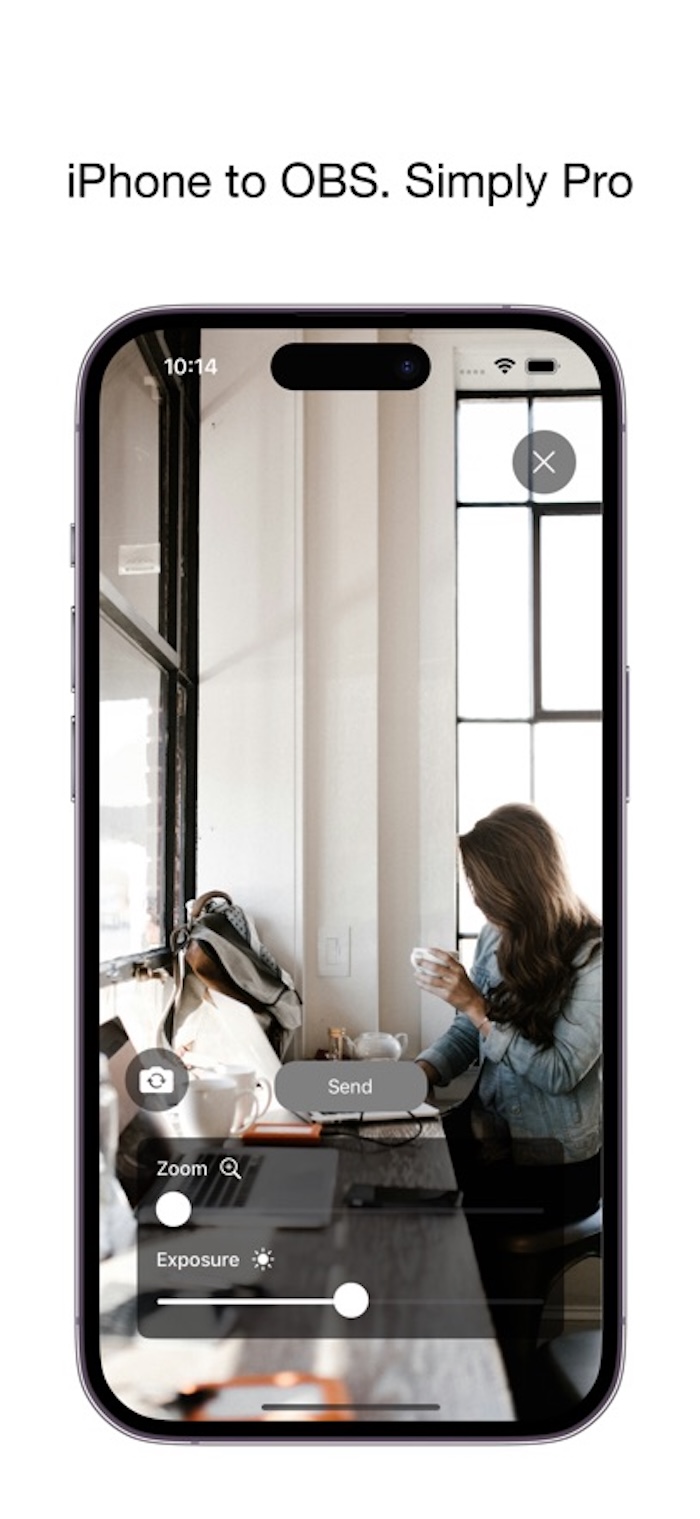
Why Choose Camera for OBS Studio?
Everything you need for professional streaming, recording, and video conferencing
Dual Connection Modes
Connect wirelessly via NDI technology for maximum flexibility, or use direct cable connection for ultra-low latency streaming.
Compare connections→Professional Controls
Adjust zoom, exposure, focus, ISO, and white balance in real-time during your stream. Full manual control for perfect shots.
View settings guide→Ultra-Low Latency
Stream in high resolution with minimal latency. Crystal-clear video perfect for professional content creation and live streaming.
Front & Back Camera
Switch between front and back cameras with a single tap. Perfect for different shooting scenarios and angles.
Easy Setup
Simple interface with guided tutorials for seamless integration. Get started in minutes, not hours.
Quick start guide→Professional Quality
Perfect for content creators, gamers, teachers, and professionals who demand reliable camera solutions for OBS Studio.
Get Started in 3 Simple Steps
Professional streaming setup in under 5 minutes
Download App
Download Camera for OBS Studio from the App Store. Free to install, premium features available with subscription.
Choose Connection
Select your preferred method: Wired (USB) for lowest latency or Wireless (NDI) for flexibility. Follow our step-by-step tutorials.
Start Streaming!
Launch OBS Studio, add your iPhone as a camera source, and start creating professional content. Full control at your fingertips.
Popular Guides & Tutorials
Everything you need to master Camera for OBS Studio
Wired Connection Tutorial
Most PopularLearn how to connect your iPhone to OBS Studio using a USB cable for ultra-low latency streaming. Perfect for professional streamers.
NDI Wireless Connection Tutorial
Set up wireless NDI connection between your iPhone and OBS Studio. Freedom of movement without compromising quality.
How to Use iPhone as Webcam
Complete guide to using your iPhone as a professional webcam for video conferencing, Zoom calls, and online meetings.
Troubleshooting Common Issues
Solutions for connection problems, video quality issues, latency concerns, and other technical questions.
Best Camera Settings for Streaming
Optimize your iPhone camera settings for different streaming scenarios. Get professional-looking video every time.
NDI vs USB: Which is Better?
Detailed comparison of wireless NDI and wired USB connection modes. Find the perfect setup for your needs.
Ready to Stream Like a Pro?
Join thousands of content creators, gamers, and professionals using Camera for OBS Studio. Transform your iPhone into a professional camera today.